
Wardrobe Planner
Place wardrobes in your room, see them in 3D and customise their interiors.
Plan your wardrobe
Your shop in the digital world.
Websites tailored to your business and applications that make your daily work easier.
8 working demos · No registration or payment required
Give it a name and use it as your own business.
No registration. No payment. Eight working demos.
Select your sector and your needs; we'll show you which demo to start with.
Place wardrobes in your room, see them in 3D and customise their interiors.
Plan your wardrobe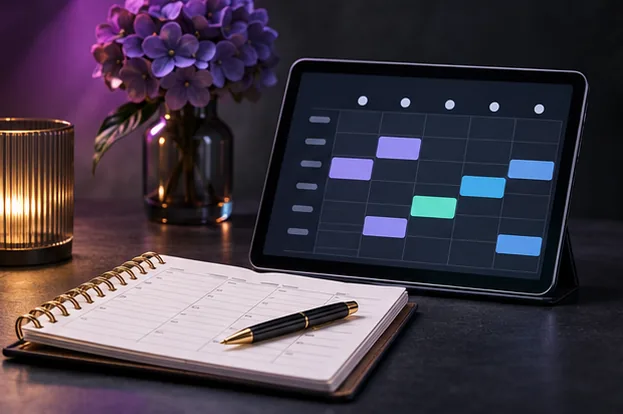
A hair salon, dental clinic or beauty salon. Book as a customer and approve from the admin panel.
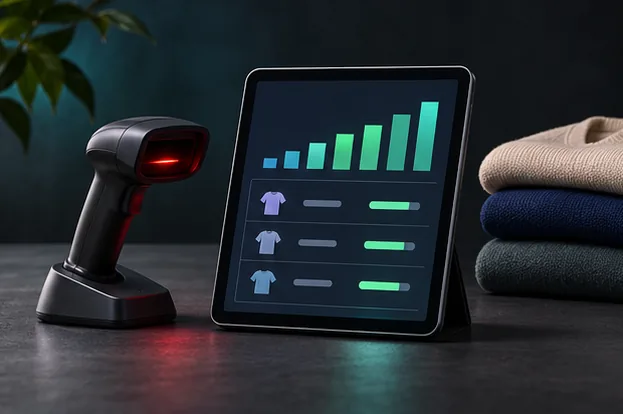
Set up your sample clothing shop. Add products by size and colour, make a sale, and follow stock and the daily summary together.
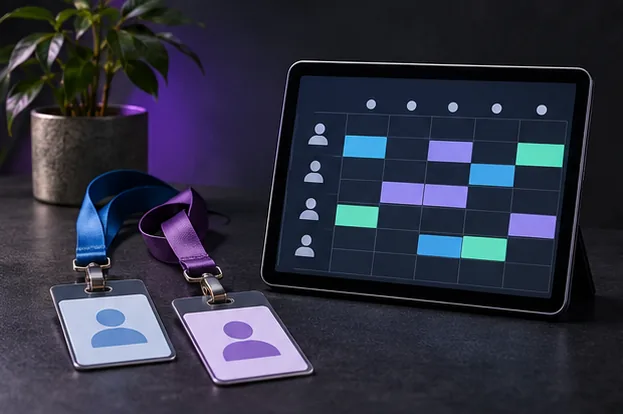
Start your shift and request leave as an employee. Approve the request as an administrator and see the result in the shift calendar.
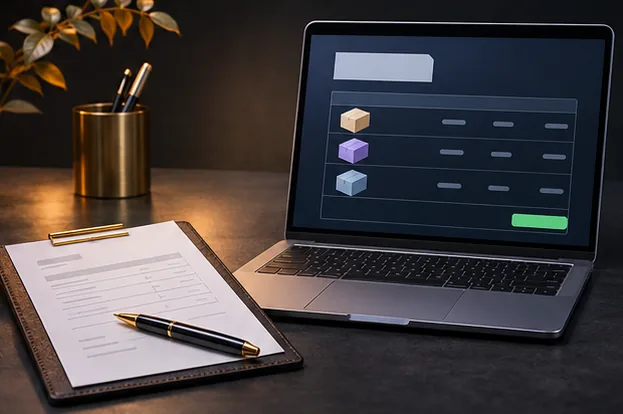
Enter your company name and price your service and product items. Preview the branded document and save a PDF copy.
Create a demo order as a customer. Move it through preparation, shipping and delivery as an administrator.

Open a request as a customer. Reply as the support team, update its status and follow the resolution from both sides.


Find in-stock products that fit your size, budget and style. Change stock in the store panel and see how customer recommendations update.
Try the shopping demoEach visitor uses their own demo session. Explore safely with sample data.
A few examples
from everyday workflows.
Appointment requests remain in separate messages. Available times must be checked and customers contacted individually.
The customer chooses an available time. Requests appear in the same list; approvals and cancellations are handled in the panel.
Sales, returns and remaining products are kept in separate notes. The remaining quantity for each size has to be checked again.
Every sale and return is reflected in product stock. Remaining quantities and low-stock products are tracked on the same screen.
Shifts and leave are discussed through messages. Seeing the latest plan requires looking back through old messages.
The employee submits a request and the manager decides. Approved leave and working hours appear together in the calendar.
Questions are spread across different channels. It can become unclear what the last reply was and whether the issue has been resolved.
Each request's message history and status remain on record. Open, in-progress and resolved issues are kept distinct.
Different needs, different solutions.
Here are a few of the worlds I've worked on.

A voting and management experience for a streetwear brand.
To communicate a streetwear brand's world, present its designs and gather visitors' preferences.
A brand experience that combines product and collection presentation with design voting.
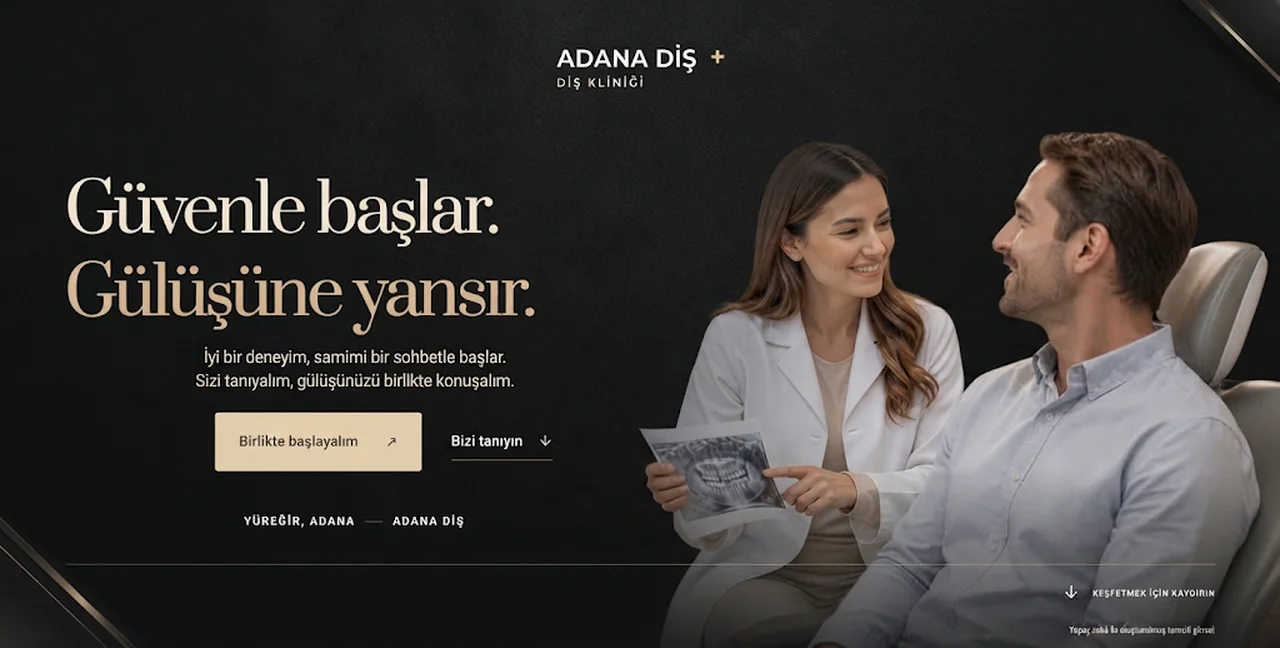
A clinic website, appointment workflow and administrator experience.
To explain the clinic's services clearly and make it easier for visitors to submit appointment requests.
Clinic presentation, an appointment booking workflow and an administrator experience for tracking requests.
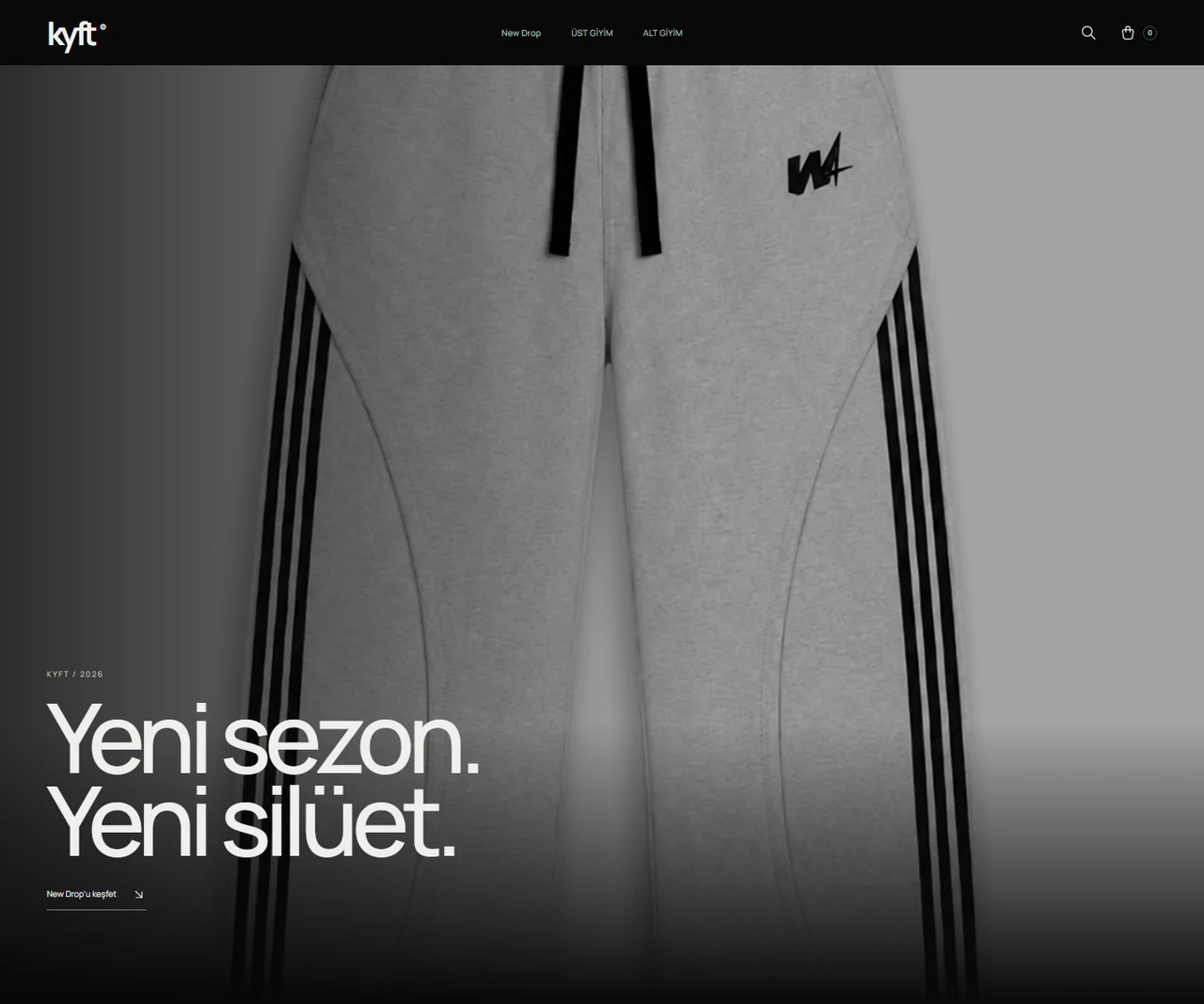
Streetwear-focused product and collection presentation.
To create an easy-to-navigate shop interface that visually highlights streetwear products and collections.
A project that combines product discovery and collection presentation in a mobile-friendly shopping interface.
Choose a game. Focus on playing in a clean game screen that opens in a new tab.
Interface, data and the development process.
Choose a name to discover how and where it is used.
The experience you see on screen.
The logic behind the work.
From idea to verified code.
Tools suited to different needs.
A website that looks good.
A system that makes your daily work easier.
Your business needs a clear, trustworthy and easy-to-use place in the digital world. From business websites to admin panels, I prepare solutions that your customers and team can use comfortably.
My aim is to reduce repetitive tasks, bring information into one place and make it easy to see how your business is doing. I adapt interfaces for phones, tablets and computers to the way your business works.
Your customers book by choosing a suitable date and time. You can see, approve or cancel requests from one screen.
Track how many of each product remain by size and colour. Quantities update after sales, returns and stock receipts; low-stock products are visible.
Plan working hours and track clock-in and clock-out records. Employees request leave, and your approval is reflected in the calendar.
Price your services and products and calculate discounts. Save a neatly prepared quotation with your company logo as a PDF.
Manage the process from the moment an order is received to its delivery. Your customers can follow preparation and shipping status in the same workflow.
Questions and problems do not get lost among messages. Each request stays on record, with replies, priority and resolution status visible in one place.
You can experience these solutions as both a customer and an administrator in the free demos above.
We clarify the scope together
and make the process easy to understand.
Interfaces are prepared to adapt to phone, tablet and computer screens. Page layouts, buttons and forms are arranged with different screen sizes in mind.
The number of pages, design scope, admin panel and integrations are considered together. Work stages and a delivery schedule are determined once the needs are clear.
Depending on your needs, a panel can be prepared for managing areas such as text, products or appointments. Which areas are editable is included in the project scope.
The price depends on the design, page count, workflows and required integrations. You can share your needs in the short request form below so the scope can be reviewed.
The domain, hosting environment and any existing website are considered together. Setup and publishing steps are planned around the services and accounts to be used.
Required maintenance, updates and support work are discussed during the project conversation. The duration and scope of support are clarified before work starts.
Yes. You can try the demos with sample data without registering or paying. No real payments, shipping or messages to a support team are carried out.
No. The form only prepares a WhatsApp message that you can edit. You choose whether to send it after opening the WhatsApp link. The form content is not saved in a database on this website.
Select your needs and see an initial scope.
Create a summary ready for a discussion.
Mobile compatibility, page layout, basic titles and descriptions, and functional checks are considered together. Administration, content entry, integrations and deployment assistance are added to the discussion according to your selections.
pages / screens languages
Briefly describe your needs.
Let’s see where to start together.
You might be considering a website, an appointment system or a custom business dashboard. Knowing which tasks you want to simplify is enough to start identifying a suitable solution.
This form only prepares a WhatsApp message draft. Your information is not stored on the site; you choose whether to review and send the message.
Get in touch directlyA project, an opportunity or just a hello.